AMI BIOS Method In Window(XP & Vista)
unzip the file which is provide by LG.
open the unzipped file.
execute "AFUWIN.ex 757d34h e" by Run as Administrator in the folder

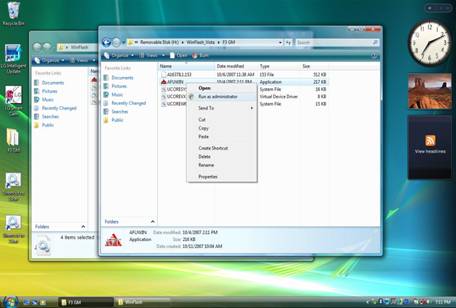
.Click "O.K" icon in below Picture.
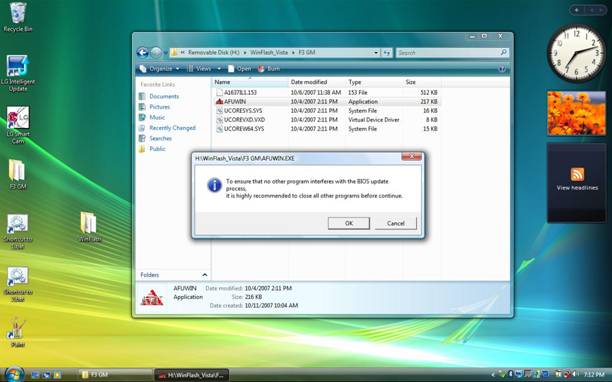
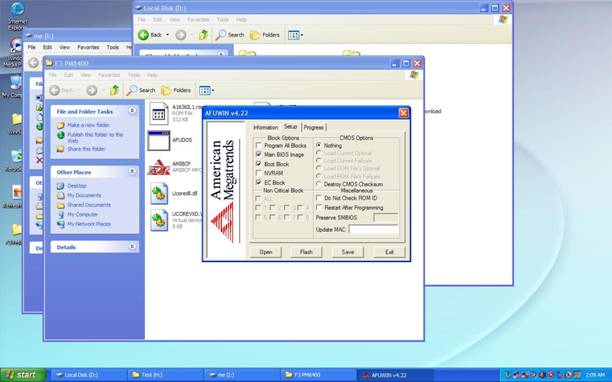
5. Click "Open" icon in below Picture.
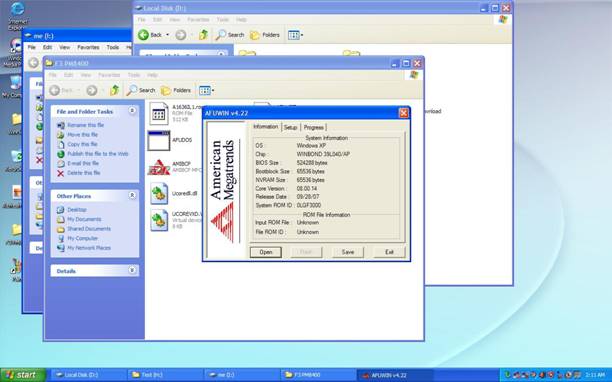
6. find bios rom file in the unzip folder, Click "Open" icon in below Picture.
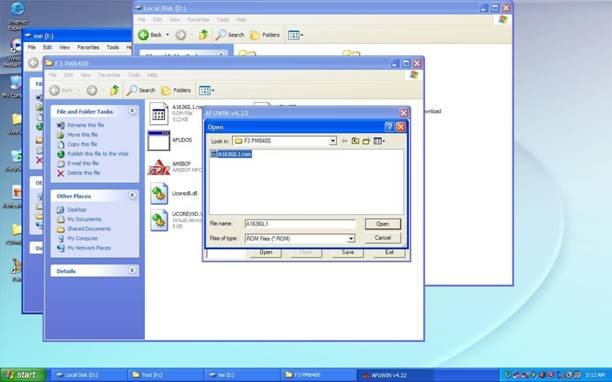
7. then check "main bios image, Boot Block, EC Block", Click "Flash" icon in below Picture. Wait during flash bios rom.

8. Click "Exit" icon in below Picture.
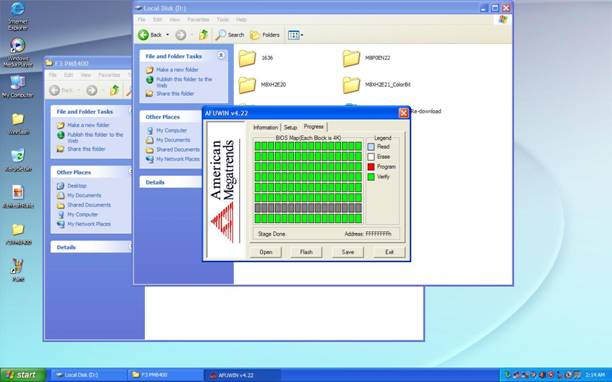
9. Finally Reboot the System.

|